
A Guide to Corporate Event Content Capture
Plan corporate event content capture with MooMuu: choose guest photos, AI imagery or artwork, and agree branding, delivery and image use.
A practical guide to corporate event content capture starts with the assets you need, the people creating them and the channels where they will be used. MooMuu experiences can produce guest photographs, digital creations and physical keepsakes. They should be planned alongside, not confused with, your wider event photography or filming brief.
Decide whether the priority is a branded guest portrait, a creative takeaway, a collective artwork or a mix of outputs. Then choose the experience, visual treatment and delivery process to fit that purpose.

Match the experience to the content you need
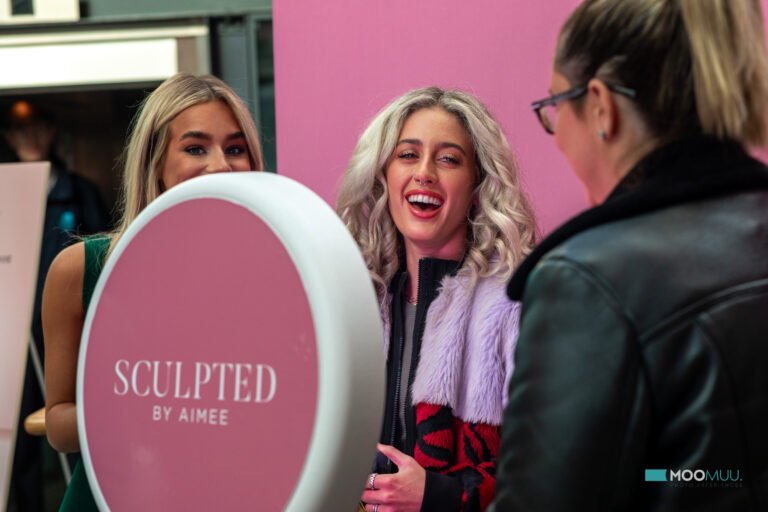
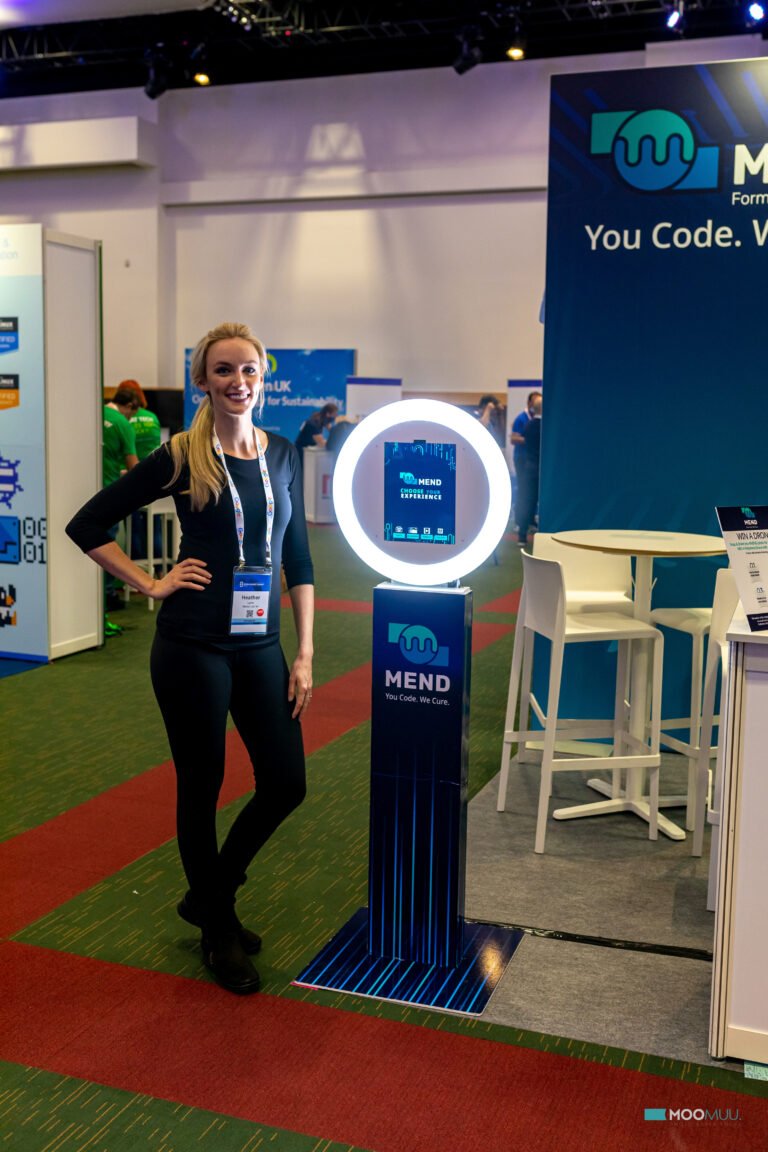
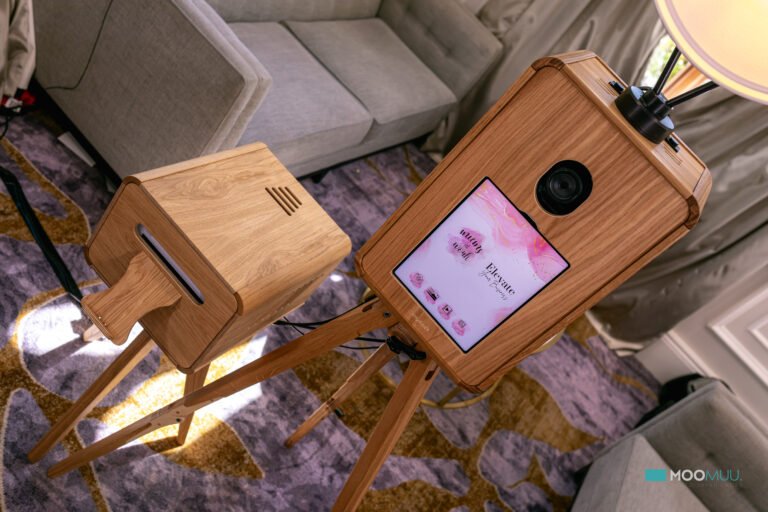
- Hosted guest photographs: the ICON Booth and Luxury Oak Booth offer photo experiences with keepsakes. Agree your print format, branding and digital delivery in the package.
- Black-and-white portraits: Signature GLAM creates a photographic portrait look. It is not the same as an AI-generated image experience.
- Self-service digital content: the Digital Booth creates photographs, GIFs, boomerangs and short videos without prints. It does not normally include an on-site attendant; connectivity is needed for immediate sharing.
- Themed AI imagery: AI Experience transforms guest photographs into an agreed visual theme. Approve sample outputs before the event rather than assuming any requested treatment will be suitable.
- A physical drawing: AI Sketch Bots use a robot to draw an AI-created portrait on paper. They are not simply printing an AI photograph.
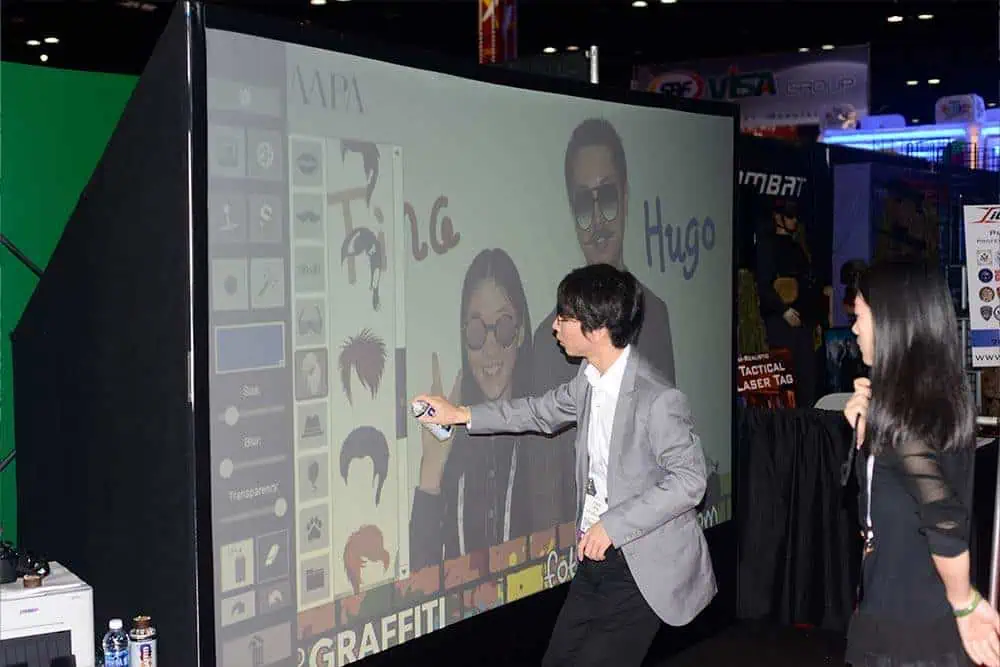
- Guest-created digital artwork: the AI Graffiti Wall uses digital spray cans and on-screen tools, with optional AI transformation. Agree the creative canvas and artwork delivery.
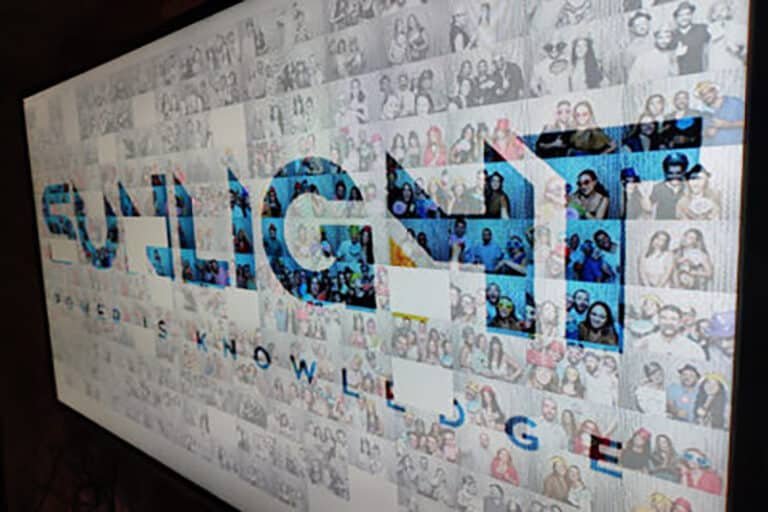
- A collective image: Mosaic Wall Live includes an ICON Booth and printed tiles for a physical build. The separate Digital Mosaic accepts QR or link uploads for an on-screen build and a final high-resolution file.
These outputs are different deliverables. A paper sketch does not imply a recorded video of the robot drawing, and a booth session does not include coverage of speeches, product demonstrations or the whole room. Confirm any additional content requirements separately.
Write a short creative brief
Share the campaign objective, audience, brand assets and intended use of the finished content. Specify the format you need rather than simply asking for something shareable: a printed keepsake, a digital portrait, a short animation or a finished mosaic file. See how to plan event content from interactive experiences, including intended use, approval and delivery.
Confirm logo placement, colours, crop, text and any campaign link before approval. Ask which branding surfaces and output formats are available for the selected experience and included in the proposal. Test a sample at the size guests will actually see on paper or a phone.
A pleasing result gives people something worth keeping, but it cannot guarantee that they will publish it on social media. Avoid making participation dependent on a public share.
Plan capture around the event schedule
Choose an operating window that fits arrivals, breaks and the main programme. Give the installation room for participation and collection without blocking service routes. Check power, setup access, lighting, venue internet and accessibility requirements early.
Agree who welcomes guests and who keeps the queue moving. Hosted experiences, self-service Digital Booth hire and remotely supported digital activity have different staffing arrangements. Your event team should know which support is included and who handles any separate brand conversations.
For a mosaic, agree contribution numbers and how the final artwork will be completed and handed over. Physical framing or additional display equipment should not be assumed to be included.
Coordinate your photographer or video team
If you need images of the room, speakers, installation in use or guest reactions, include them in your separately agreed photographer or filming brief. A booth’s guest gallery is not a substitute for that coverage.
Give the capture team a concise shot list and suitable access times: the setup before guests arrive, the activity in use and any planned reveal. Coordinate with the experience operator so filming does not interrupt participation or obstruct the equipment.
Agree permissions and delivery before the event
Define who receives the files, how they are delivered and when galleries or download links expire. Download and store approved assets within the stated access period. Confirm the delivery timetable and formats in the proposal; do not assume every output is available instantly or indefinitely.
Plan guest information and image-use permissions around the intended channels. Providing someone with their own photo is a different purpose from a brand using it in advertising. Have your marketing or privacy team approve any wider use and optional data-capture journey.
Photo delivery is not automatic permission for marketing emails. See our corporate data-capture guide when planning follow-up.
Review what the content actually achieved
After the event, organise the approved assets by purpose and retain the relevant usage information. Assess usable outputs, guest feedback and the content your team actually used. Keep download counts separate from verified public shares, and do not describe every participant as a lead.
Agree reporting requirements before booking, including who will record them. A small set of usable, appropriately cleared assets is a clearer outcome than an unsupported claim about reach or return on investment.
Plan the right outputs for your event
Tell us your date or approximate month, venue, audience and the photographs, artwork or digital content you want guests to create. We can help match the experience and clarify branding, delivery and support.
Request a tailored corporate proposal or compare corporate experiences. For a wedding or private celebration, tell us about your event.