
Digital Booth Connectivity: A Test Record Before Doors Open
Record Digital Booth sharing before guests arrive, with a blank test record and examples covering capture, delivery, file opening and retesting.
A successful test gives your event team something more useful than “the Wi-Fi works”. It shows which sharing route was tried, where the booth was positioned and whether the guest could actually open the finished file.
Use this record with MooMuu and your venue before guests arrive. It is a planning template, not a claim that a particular connection or delivery method will work at every event. Test the routes agreed for your booking and record what happened, including anything still unresolved.
Start with the agreed setup
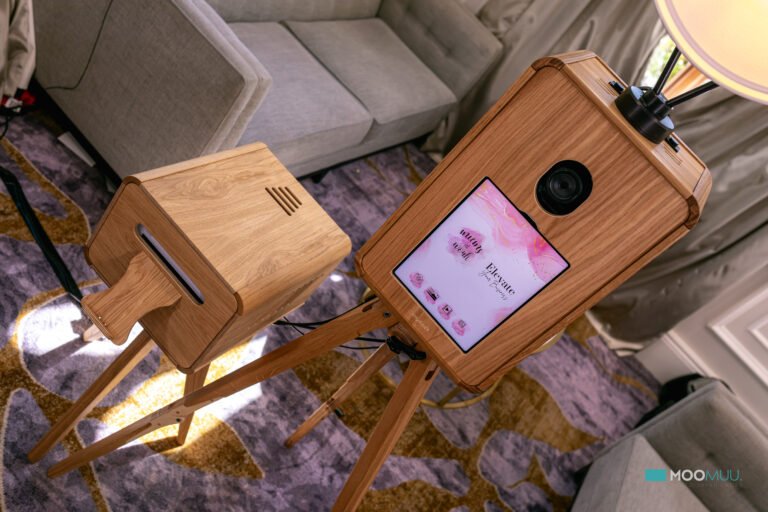
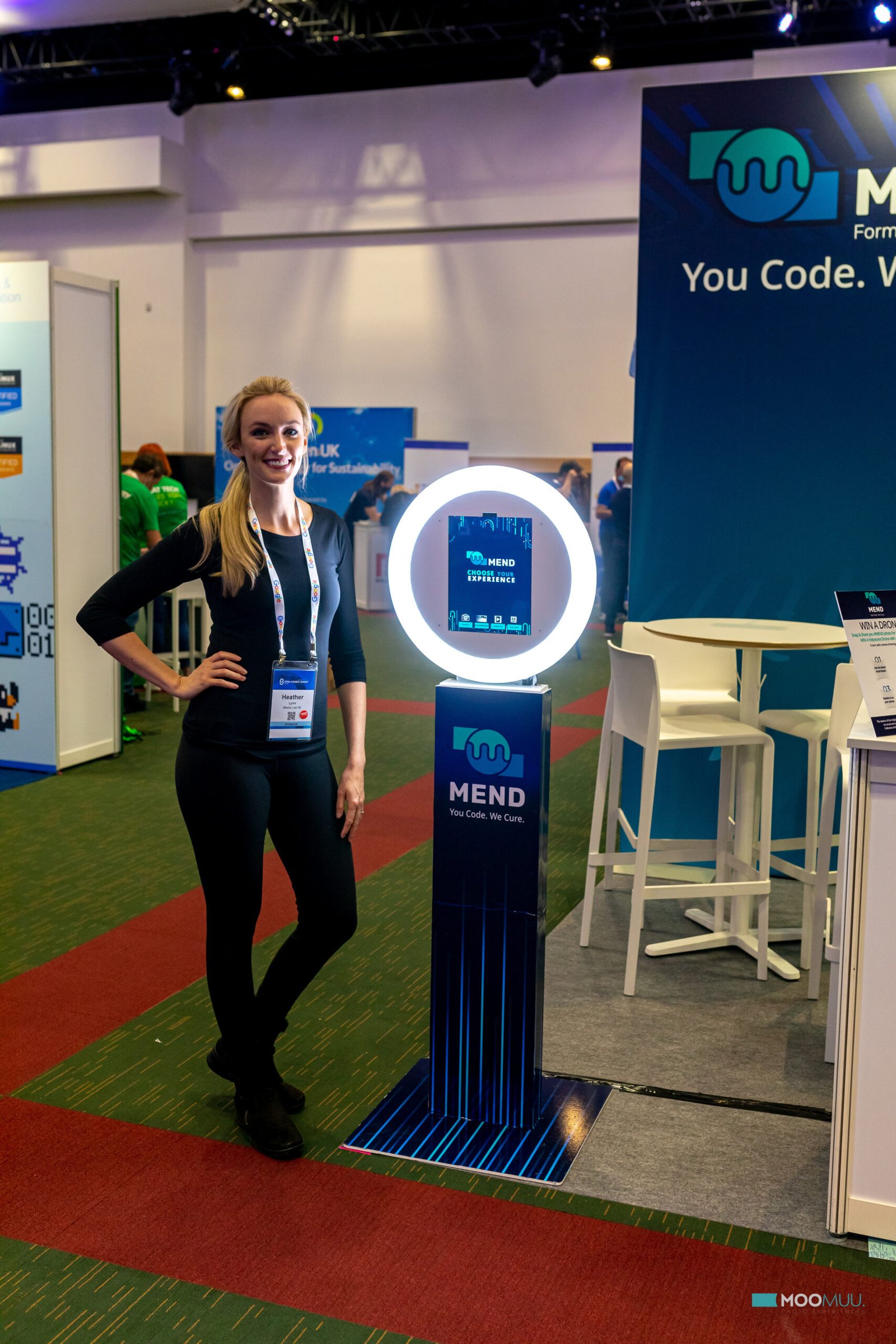
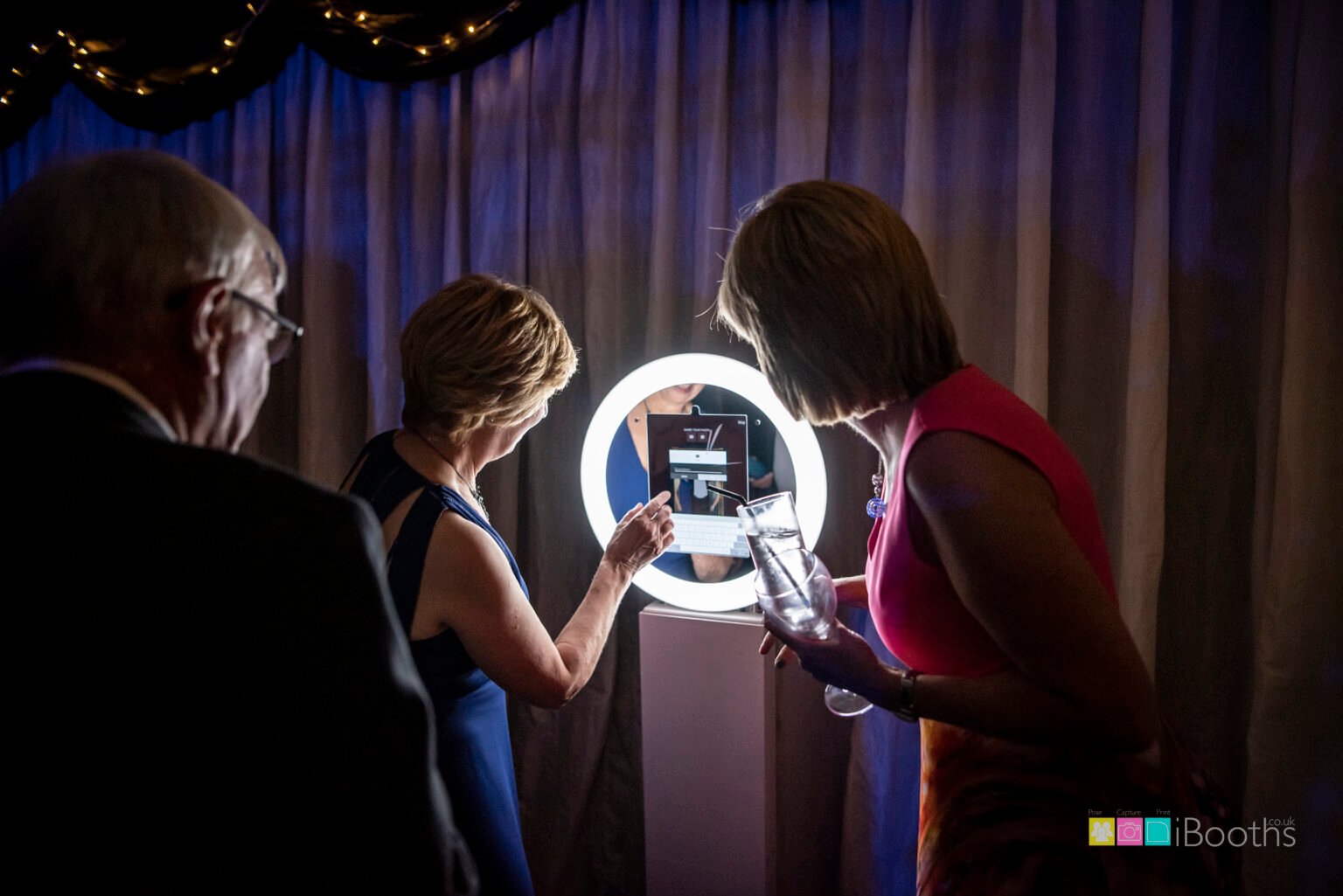
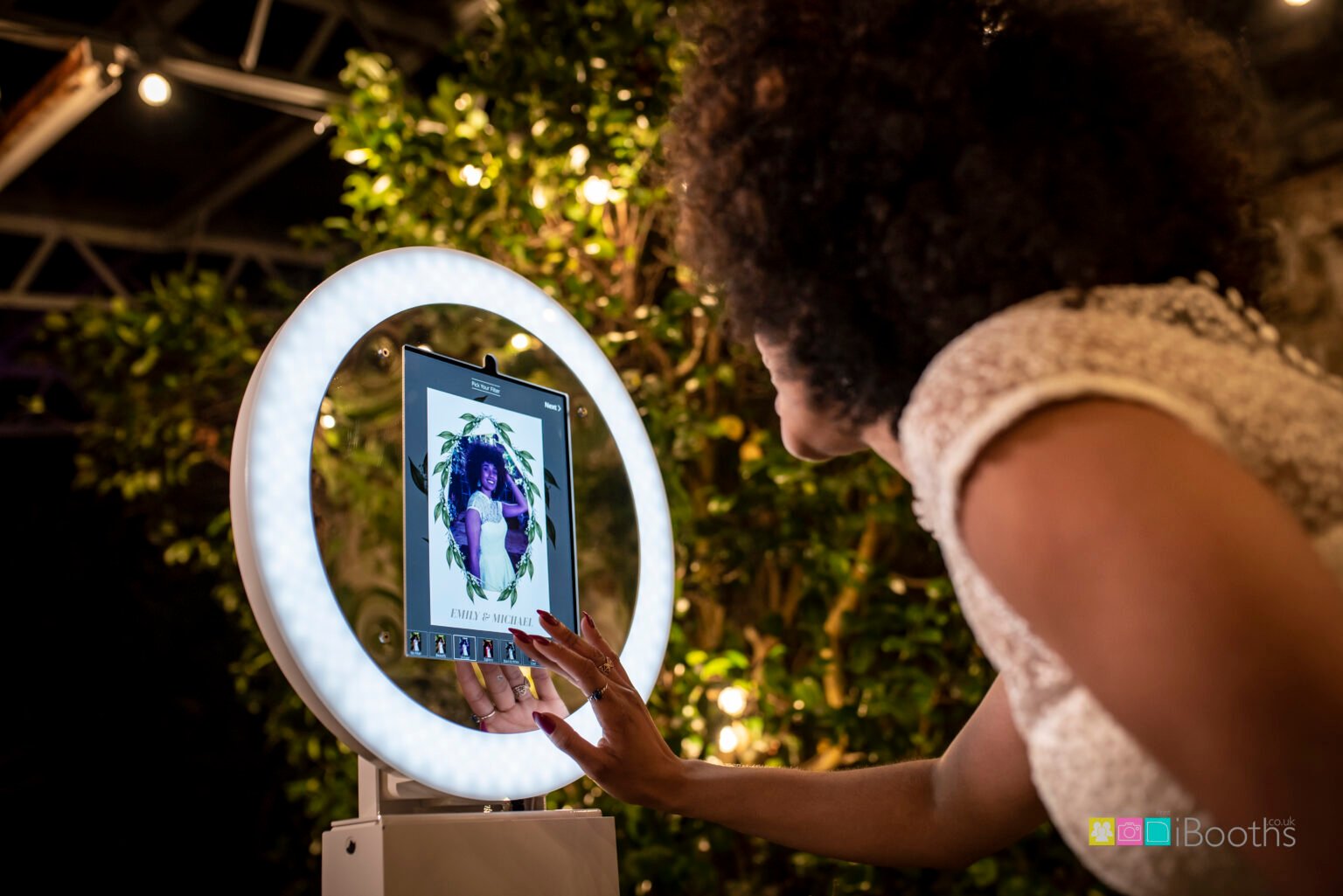
The Digital Booth is a self-service, print-free experience. MooMuu delivers, installs and tests it, with remote support during the agreed operating period. A standard booking does not include an attendant staying at the booth.
Live sharing by QR code, SMS or email needs reliable internet. Agree the connection and the delivery routes to test with MooMuu, then identify the venue contact and the organiser who will record the results. Do not assume that a phone connected successfully elsewhere in the building proves the booth position is ready.
Keep capture, receipt and opening separate
Record three outcomes: whether the photograph was captured, whether the selected delivery step reached the test device, and whether the finished file opened. A completed capture does not, by itself, confirm successful sharing. An email or text arriving is also different from its link opening the correct image.
For a QR route, note whether the code could be scanned, whether the destination loaded and whether the intended file opened. Use the actual agreed journey rather than assuming every route produces the same screens or messages.
Copy this blank test record
Complete one record for each agreed route. Repeat the relevant checks after a change of booth position or connection. Keep network passwords and guests’ personal details out of a shared event document.
| Record | Fill this in |
|---|---|
| Time and location | Date, test time and exact booth position. |
| Connection | Agreed connection used; any relevant access conditions. |
| Route and tester | QR, SMS or email; tester’s name or role and test device. |
| Capture result | Was the test photograph captured? Record the observation. |
| Receipt or destination | Did the message arrive or QR destination load? Note the time. |
| File-open result | Did the correct finished file open on the test device? |
| Issue owner | Problem observed and named person coordinating its resolution. |
| Next action and retest | Agreed action, person responsible and retest time. |
| Opening decision | Ready for the tested route, awaiting retest, or another agreed decision; record who confirmed it. |
Example: a successful email test
This is a hypothetical completed record, not a report from a MooMuu event or a promised delivery time.
Time and location: 09:10, reception lounge, agreed position beside the event signage. Connection: the venue connection agreed for the installation. Route and tester: email, checked by the event coordinator on a test phone.
Capture: the test photograph completed. Receipt: the test email arrived at 09:11. File opening: its link opened the correct photograph on the phone. Issue owner: none required for this test; the coordinator recorded the result.
Next action: retain the agreed position and connection; record any later change for review. Retest: no unresolved fault from this check. Opening decision: the organiser and MooMuu confirmed the tested email route was ready. This result says nothing about an untested SMS or QR route, or later network conditions.
Example: a fault followed by a retest
This second hypothetical record shows why “photo taken” should not be the final check.
Time and location: 10:05, exhibition stand, final booth position. Connection: the agreed venue network. Route and tester: QR, checked by the organiser on a test phone. Capture: completed. Destination: the code scanned, but the destination did not load. File opening: not reached.
Issue owner: the venue technical contact, coordinating with MooMuu. Next action: investigate the connection at that position. Opening decision: the QR route remained unconfirmed while the fault was investigated.
Retest at 10:20: after the venue confirmed an access issue had been addressed, MooMuu and the organiser repeated the agreed check with a new test photograph. Capture completed, the QR destination loaded and the correct file opened. They recorded the successful result and confirmed the route for opening. This example does not assume that an earlier file automatically retries or becomes available later.
Give the organiser a clear opening decision
Before opening, review unresolved results with MooMuu and the venue. Record the agreed next step and the contact to use during the hire. If sharing cannot be confirmed, agree the guest instructions and delivery approach rather than promising instant access. A successful test is evidence of that check, not a guarantee against later disruption.
Plan the rest of the experience
Use our Digital Booth planning guide for positioning, branding and the wider guest journey. Tell MooMuu about your venue and event, including the proposed booth position and available connectivity, so the setup and sharing arrangements can be agreed before the day.