

Your Event Photos Have Arrived: A Simple Archive Check
Save your delivered event photos with a simple archive record, check a second copy opens, and keep any missing files or access questions clear.
The gallery has arrived, and the first favourites are already finding their way into family conversations. Before the link disappears into your inbox, give the delivered files a home you can find again.
This archive check helps you record what you expected, what you saved and whether a second copy actually opens. It is a simple handover to your future self, with room to note anything the event team still needs to clarify.
Still looking for your gallery? Start with MooMuu’s event photo downloads, then use the delivery information supplied for your event when following the checks below.
Start with what was agreed for your booking
Find the original delivery message and compare it with the output arrangements confirmed for your booking. Identify which files or collections you should receive and whether anything is due separately. Keep still photographs and any booked motion content distinct when making this check.
Do not assume every experience includes GIFs, video, audio or the same image formats. If the delivery information does not make the expected files clear, ask the event team. A plausible number of photographs, or a gallery that looks busy, cannot establish that everything has arrived.
Save the delivered files before making sharing copies
Use the supplied download route and follow its instructions. Save the delivered files in a clearly named folder, such as 2026-10-10_Anniversary_Photo-Experience. Record that location and retain the files as received. Make a separate selection for cropping, editing or sharing.
Save the supplied files rather than relying on the gallery link alone. Screenshots and images forwarded through a group chat may differ from the original delivered versions. Check the delivery message for any stated access period and act within it; do not assume the online gallery is permanent or that every booking has the same deadline.
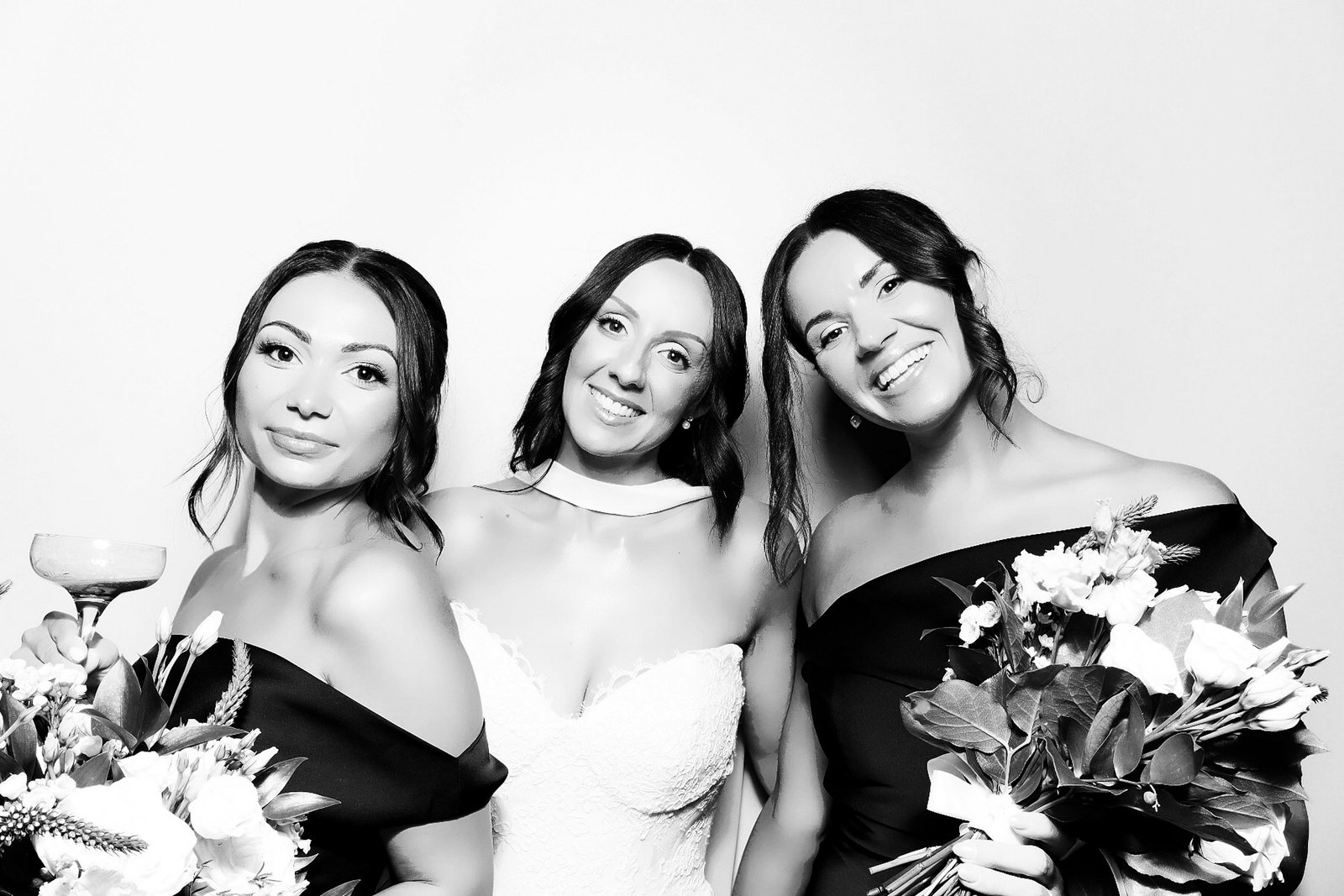
Check the saved files, then check the second copy
Open downloaded photographs from their saved folder. If your booking includes motion files, open and play those too, checking the formats actually delivered. Record which files you checked and the results. Sampling can reveal a problem, but successful samples do not prove that every file works or that the delivery is complete.
Compare what you received with the confirmed delivery information. If a file list or expected collection is available, use it; investigate discrepancies rather than explaining them away with an estimated count. Mark completeness as unconfirmed where the information is insufficient.
Make a second copy in another suitable location, such as an external drive or cloud storage you control. A shortcut to the first folder is not another copy. Once copying has finished, close the first file, go to the second location and reopen the saved copy there. For cloud storage, downloading a file back from that location and opening it checks more than seeing its name in a list.
Keep a short archive-check record
Use the table below alongside the files. Note the responsible person and access arrangements without including passwords or gallery access codes in shared notes.
| Check | Your record |
|---|---|
| Event and check date | Occasion, event date, person checking and date checked. |
| Expected delivery | Files or collections confirmed for this booking; anything due separately. |
| Original delivery location | Delivery message or gallery reference; keep access secrets separate. |
| Gallery access deadline | Any expiry stated in the delivery information and the date to finish downloading. |
| Downloaded file location | Where the files as delivered are saved. |
| Delivery comparison | Match against confirmed information; discrepancies or unresolved questions. |
| Open or play result | Files checked, still or booked motion format, and what happened. |
| Second-copy location and access | Separate destination and who can access it. |
| Reopened from the second copy | Actual source location, files reopened or played, and results. |
| Issue, owner and next step | What remains unresolved, who will act and when to check again. |
A worked example: check the copy you will rely on
Imagine an anniversary host whose confirmed delivery includes still photographs and GIFs. This is a hypothetical example, not a description of every MooMuu package or a real customer delivery.
The host records the delivery email as the source and saves the downloaded files in the anniversary folder on their laptop. The delivery information does not give enough detail to confirm the whole expected set, so they record completeness awaiting confirmation. They open selected photographs and play selected GIFs, noting exactly which files passed.
They copy the folder to an external drive, then initially reopen a photograph from the laptop by mistake. That does not test the second copy. They close it, navigate to the drive, confirm the folder location and open the copied photograph there. They also play a copied GIF from the drive and record both successful checks.
The record now distinguishes two outcomes: the second-copy files tested are accessible, while delivery completeness remains unresolved. The host owns the next step: asking the event team to confirm the expected collections, then updating the record after comparing that answer with the saved files.

Leave yourself a clear next step
If something is missing or will not open, keep the original download and note the affected file and what happened. Contact MooMuu with your event details and the question you need resolved. Once the checks are recorded, your sharing selection can be small and personal, while the delivered files remain easy to find.