
Interactive Art Installation for Events
Compare MooMuu interactive art for events: digital graffiti, robotic paper portraits and physical or digital mosaics, with practical planning advice.
An interactive art installation for events gives guests a part in making the finished work. They might draw on a digital canvas, watch a robot create their portrait or add a photograph to a shared mosaic. The useful starting question is simple: what would you like people to create, and who should keep it afterwards?
MooMuu offers several distinct ways to do this for weddings, celebrations and corporate events. Choose the activity that suits your audience and programme, then plan the artwork, space and delivery around it.

Choose how guests will contribute
Draw and create on a digital canvas
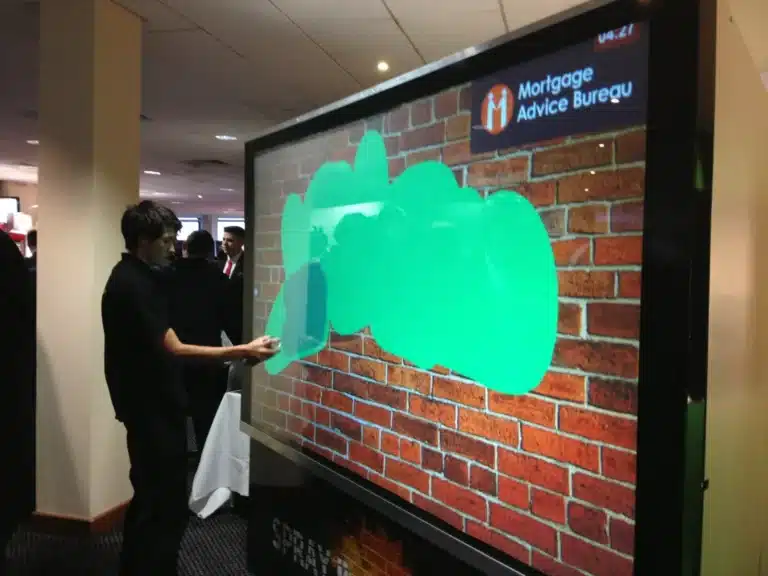
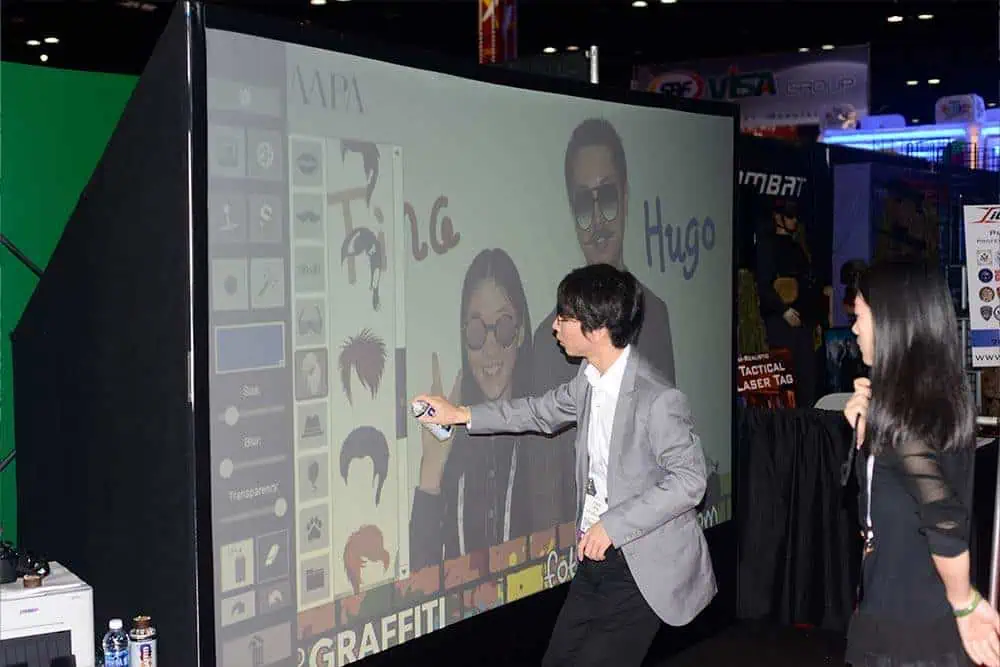
The AI Graffiti Wall uses handheld digital spray cans and on-screen tools, without physical spray paint. Guests can draw, work over a photograph or build a collaborative image. A MooMuu technician operates the experience and supports participation.
You can use the digital drawing activity on its own or add AI Line 2 Life to reinterpret the artwork in a chosen style. Decide the starting canvas, creative prompt and available digital delivery before the event. AI transformation is an optional stage, not a requirement for taking part.
Watch a portrait become a paper drawing
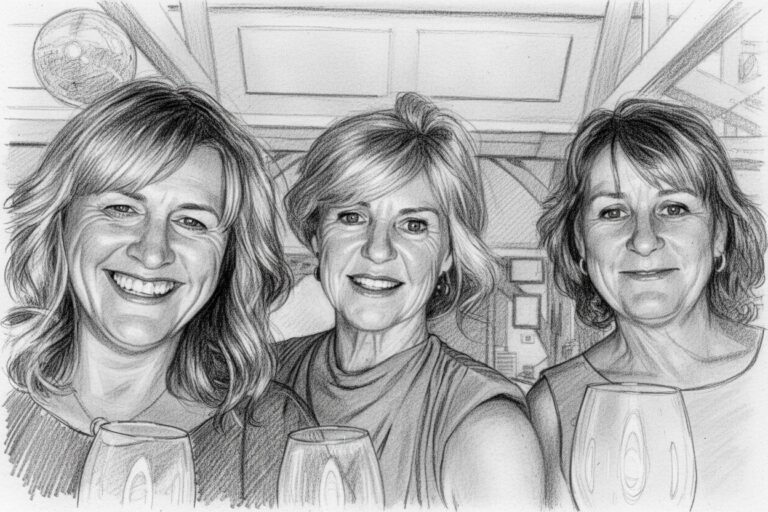
AI Sketch Bots begin with a guest photograph, create an illustration and physically draw it on paper. The guest can watch the drawing and take home the result. This is different from a printer producing an AI image.
The style, number of bots and operating window determine practical capacity. Plan the photo point, viewing area and collection flow together. A more detailed illustration may take longer, and the drawing time is not the same as a guest’s total waiting time.
Build a shared physical mosaic
Mosaic Wall Live includes an ICON Booth. Each guest keeps a photo print and adds a second coded tile to the physical wall. The individual images gradually form your chosen master artwork.
It can suit a wedding portrait, company milestone or campaign image. Work with MooMuu on the source image, tile plan and reveal. Agree who will receive the completed wall and how it will be handed over safely.
Bring remote contributions into an on-screen image
The separate Digital Mosaic accepts photographs through a QR code or link, including guests away from the venue. Contributions build an image on screen, with finished digital artwork supplied afterwards.
Choose on-site delivery or a remotely monitored operating window. Plan internet access, the display and any moderation. This is not the physical printed-wall package, and screen or AV requirements should be agreed with your production team.
Create a themed portrait interpretation
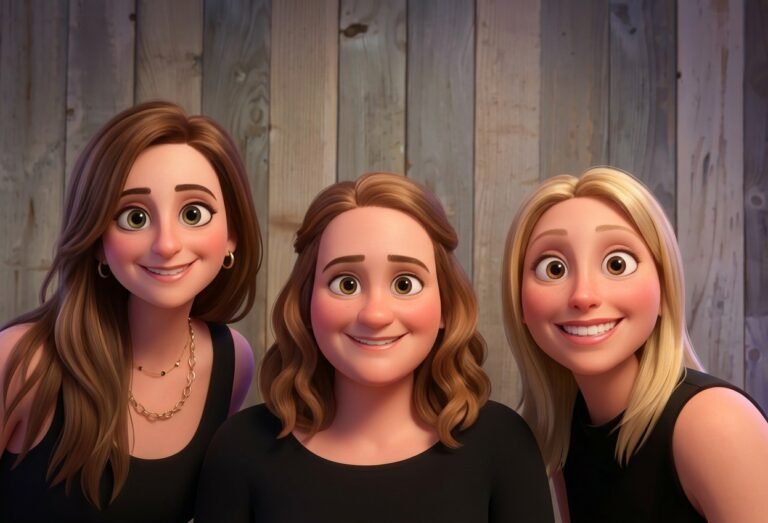
AI Experience uses guest photographs to create imagery in an agreed visual theme. It suits an individual creative keepsake rather than a shared artwork. Review sample results and confirm digital outputs and any optional prints.
Give the artwork a clear brief
For a wedding or private celebration, think about the people, setting and keepsake you want to remember. For a brand event, select a campaign theme that works as an image or a short creative prompt. Too many messages can make the activity harder to understand.
Supply usable artwork and brand guidelines early, with one named person responsible for approval. Distinguish fixed graphics, such as a logo or print frame, from an AI-generated interpretation that can vary between guests.
Plan the room and operating time
An installation needs more than its equipment footprint. Leave space to approach, create, watch and collect without blocking entrances or other activities. Discuss access needs, lighting, power, connectivity, installation and pack-down with MooMuu and the venue. Use our event installation planning guide to bring the creative brief, venue access and operating plan together.
Make participation optional and show a sample of the expected output. Keep drawing and collection instructions clear. If you are planning a reveal, put it in the running order only after agreeing the contribution and completion plan.
Confirm what will be delivered
Specify the artwork format, staffing, operating period and physical or digital handover. Optional prints, additional AV, custom scenery and multiple experiences need confirmation; an inspiration guide is not a combined package.
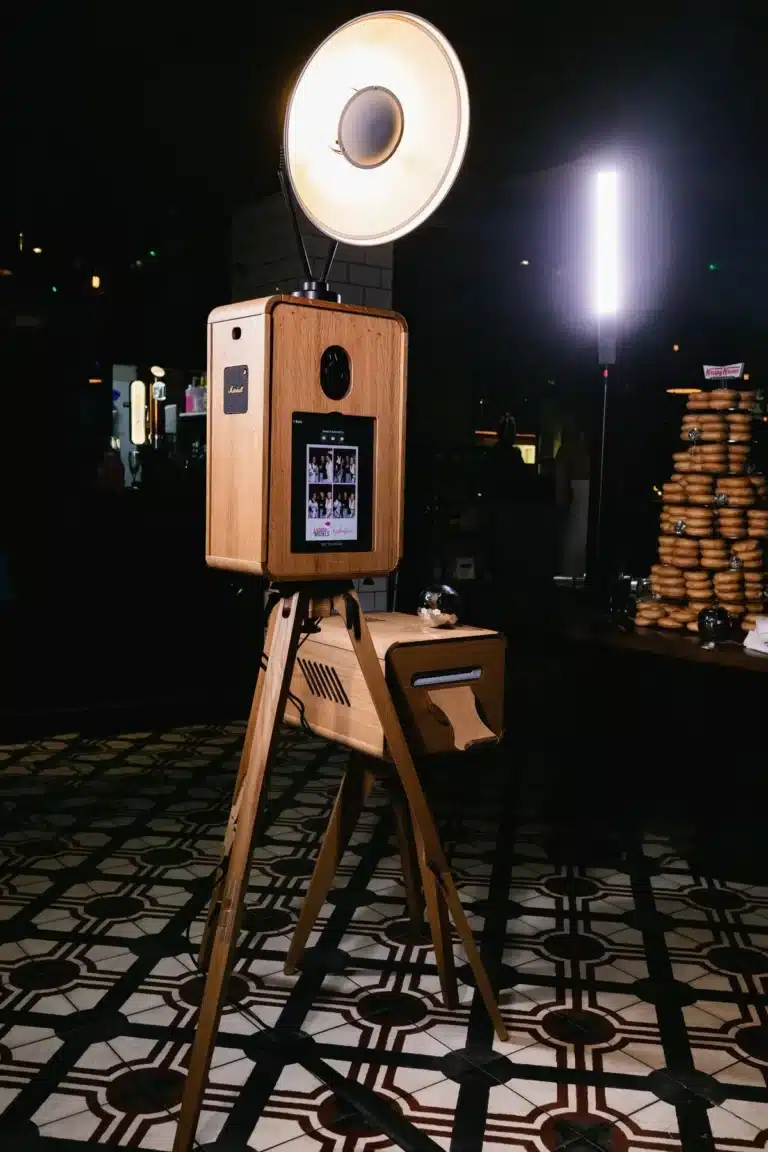
If you mainly want straightforward guest photographs, an ICON Booth or another photo format may be the simpler fit. Use our experience comparison to explore the differences. Agree intended image use and any gallery download deadline before planning how to reuse the results.
Plan an artwork your guests help create
Tell us the date, venue, audience and whether you want individual keepsakes or one shared piece. We can help choose a suitable format and explain the space, creative preparation and delivery.
Request a tailored corporate proposal or compare corporate experiences. For a wedding or private celebration, tell us about your event.