
What Makes a Corporate Event Photo Experience
Choose a MooMuu corporate photo experience with seven checks covering format, image quality, branding, staffing, outputs and event logistics.
A useful corporate event photo experience brings together the photograph, the guest journey and the way the content is delivered. Choosing it is easier when you compare those practical details, not just the appearance of the equipment.
For a MooMuu launch, staff celebration, conference or client reception, use these seven checks to turn a broad idea into a clear brief.
1. The format matches the output you need
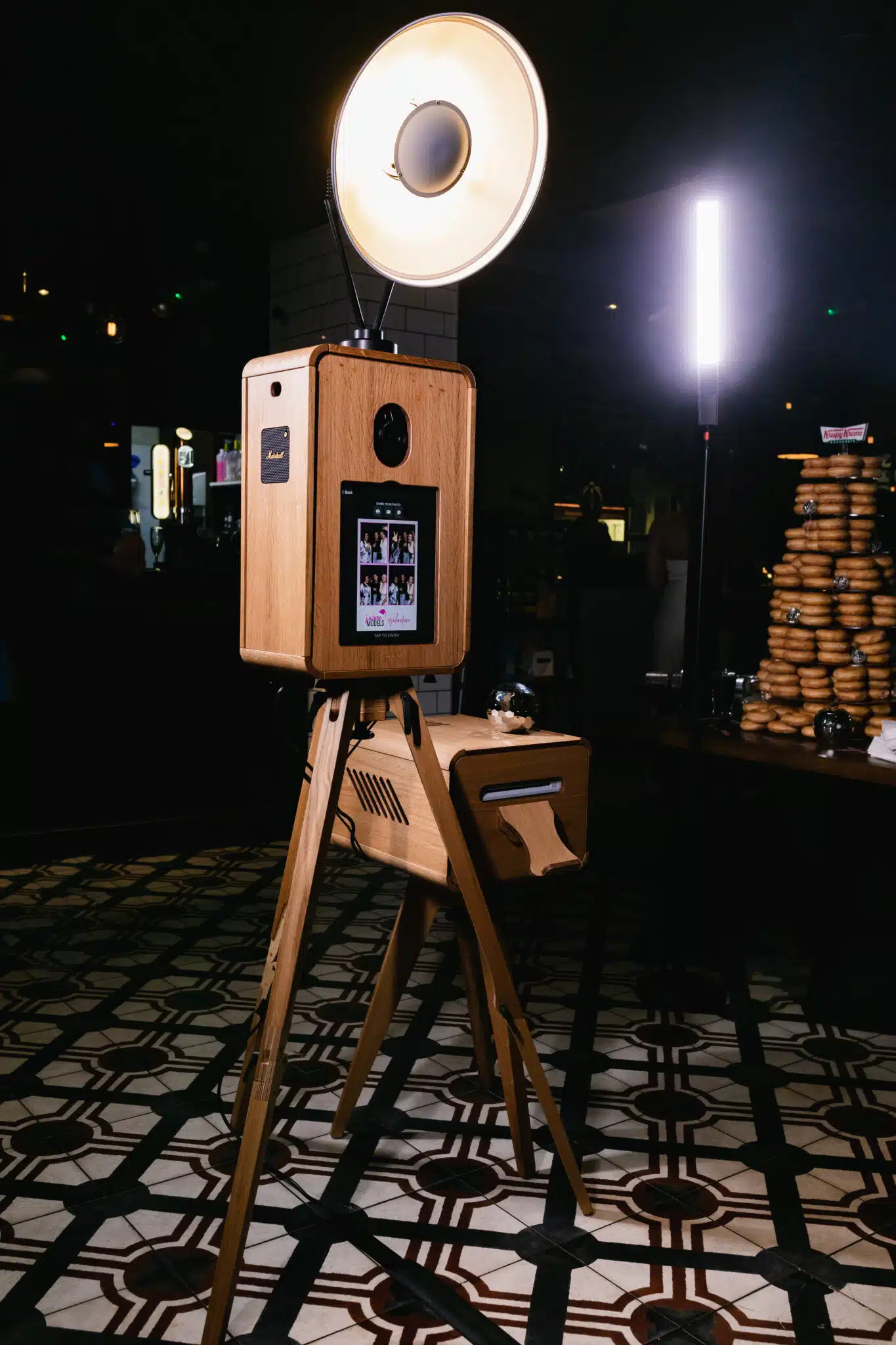
Start with what people should leave with. The ICON Booth is a hosted photographic experience with prints and digital sharing, plus an interactive rear display. The separate Digital Booth is print-free and normally self-service without an on-site attendant.
For a monochrome photographic look, consider Signature GLAM. For a timber-finished booth suited to the room, explore Luxury Oak. Check the selected package rather than assuming all booths have the same capture, printing or staffing arrangement.
2. The sample image works for your brief
Review representative output, not only photographs of the setup. Look at how people are framed, how the lighting works and whether your preferred print or digital layout leaves enough room for the portrait.
Ask about the intended group size and backdrop. A booth photograph is not the same service as a formal headshot session, an all-staff group photograph or roaming coverage. If you need those, put them in a separate photography brief.
3. Guests can understand the activity
The invitation should explain what to do and what people will receive. Place it where guests can read it before joining the queue. Make it easy to participate alone or with colleagues where the chosen setup allows, and equally easy to decline.
Plan the approach, posing and collection areas with the venue. Hosted equipment support does not replace your event-wide registration or crowd-management team. For the self-service Digital Booth, identify the venue contact and confirm the available support during the operating period.
4. Branding is approved at the right size
A logo that looks clear on a laptop may be too small on a finished print. Approve artwork at the intended output size and test welcome-screen instructions. Confirm which screens, frames or print layouts can be personalised on the selected format.
Keep names, dates and campaign wording consistent. Bespoke scenery, structural branding, large backdrops and custom packaging are separate items to scope, not automatic consequences of requesting a branded photo design. Our branding guide helps organise the artwork brief.
5. Creative alternatives are clearly distinguished
If a straight photograph is not the aim, AI Experience offers a themed interpretation, while AI Sketch Bots physically draw a portrait illustration on paper. Confirm the style, capacity and output; these are not interchangeable booth settings.
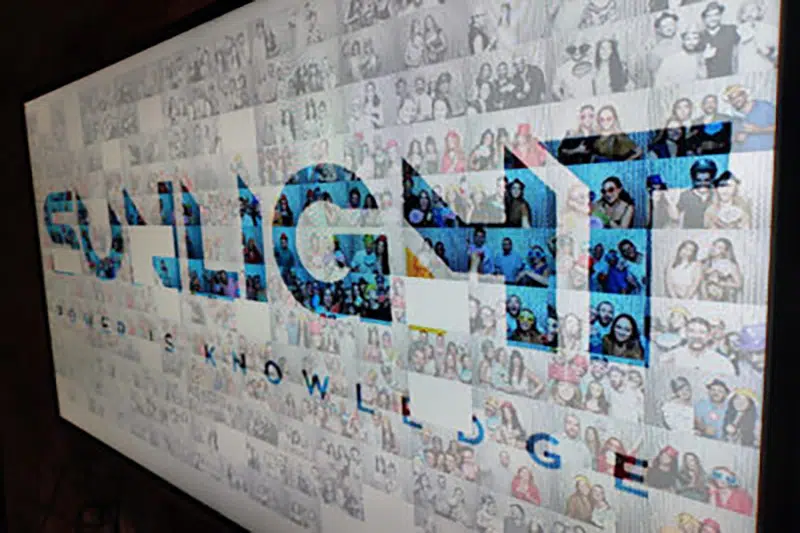
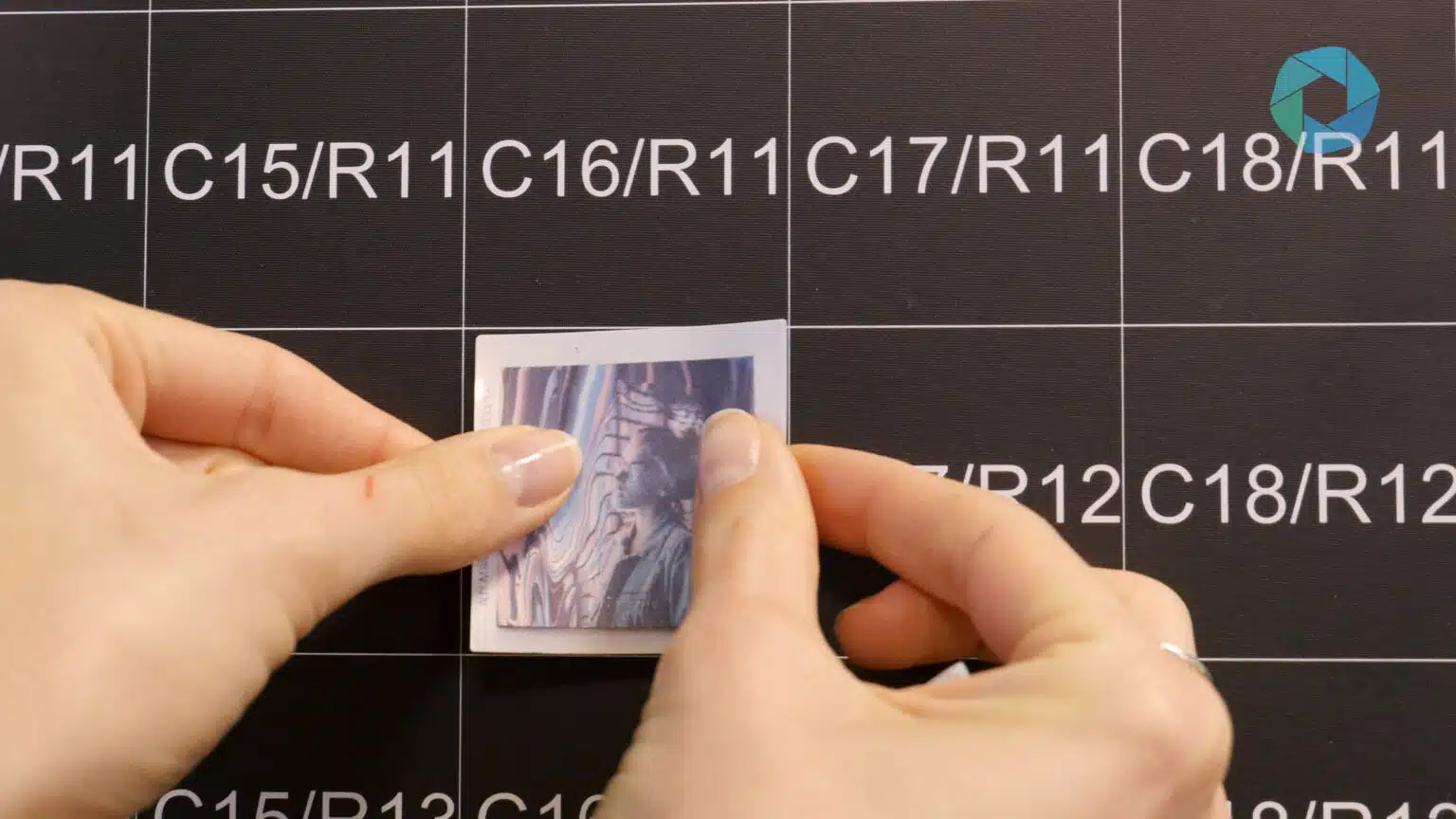
Photo Mosaic Wall uses guest phone uploads to create printed, coded tiles for a physical artwork. Guests contribute through an event QR code or dedicated webpage. The separate Digital Mosaic builds an artwork on screen and can accept remote contributions.
Choose the experience before fixing the room plan. Staffing, availability and combinations must be agreed, particularly when you are considering more than one installation.
6. Delivery and image use are agreed
Check how guests receive content, what the organiser receives and when. Confirm print formats, digital files, internet requirements and any gallery access or download deadline. Do not assume that every experience includes every output.
Decide how photographs will be used before planning internal communications or marketing. Keep any contact-data request clear, and do not treat details used for photo delivery as an automatic marketing opt-in. Our data-capture guide covers the planning questions.
7. The operational plan is specific
Give MooMuu the venue, access arrangements, operating hours and expected attendance. Discuss power, connectivity, setup, collection and the usable area around the equipment. The space needed for people can be larger than the equipment footprint.
Agree who approves artwork, who is the on-site contact and what happens if event timings change. A split operating window, an extension or a move between rooms needs confirmation in the proposal.
Compare proposals on the same basis
Put the format, staffing, hours, outputs, branding and additional production side by side. Then check which option best suits the event objective and the guests’ available time. More features do not automatically mean a better fit.
For coverage beyond the booked experience, use our corporate content-capture guide. It separates booth output from speakers, interviews and photography elsewhere at the event.
Brief your corporate photo experience
Share your event date, venue, guest numbers and the photographs or keepsakes you want. We can help select the format and provide a proposal with clear inclusions.
Request a tailored corporate proposal or compare corporate experiences. For a wedding or private celebration, tell us about your event.