
A Guide to Branding a Photo Booth Experience
Brand your MooMuu photo booth with a clear artwork brief, coordinated screens and photo designs, practical approvals and the right guest output.
This guide to branding a photo booth experience helps you turn an event identity into a clear, consistent guest experience. Start with the images people will keep, then coordinate the booth, backdrop, screens and instructions around them.
For a wedding, the design might draw on your stationery, names and colour palette. For a corporate event, it might use approved campaign artwork and a short message. Neither brief requires a logo on every surface.
Choose a visual direction and a suitable booth
Share a small set of references rather than a collection of conflicting styles. Describe the look you want and the setting: a warm barn reception, a formal awards dinner or a contemporary exhibition stand.
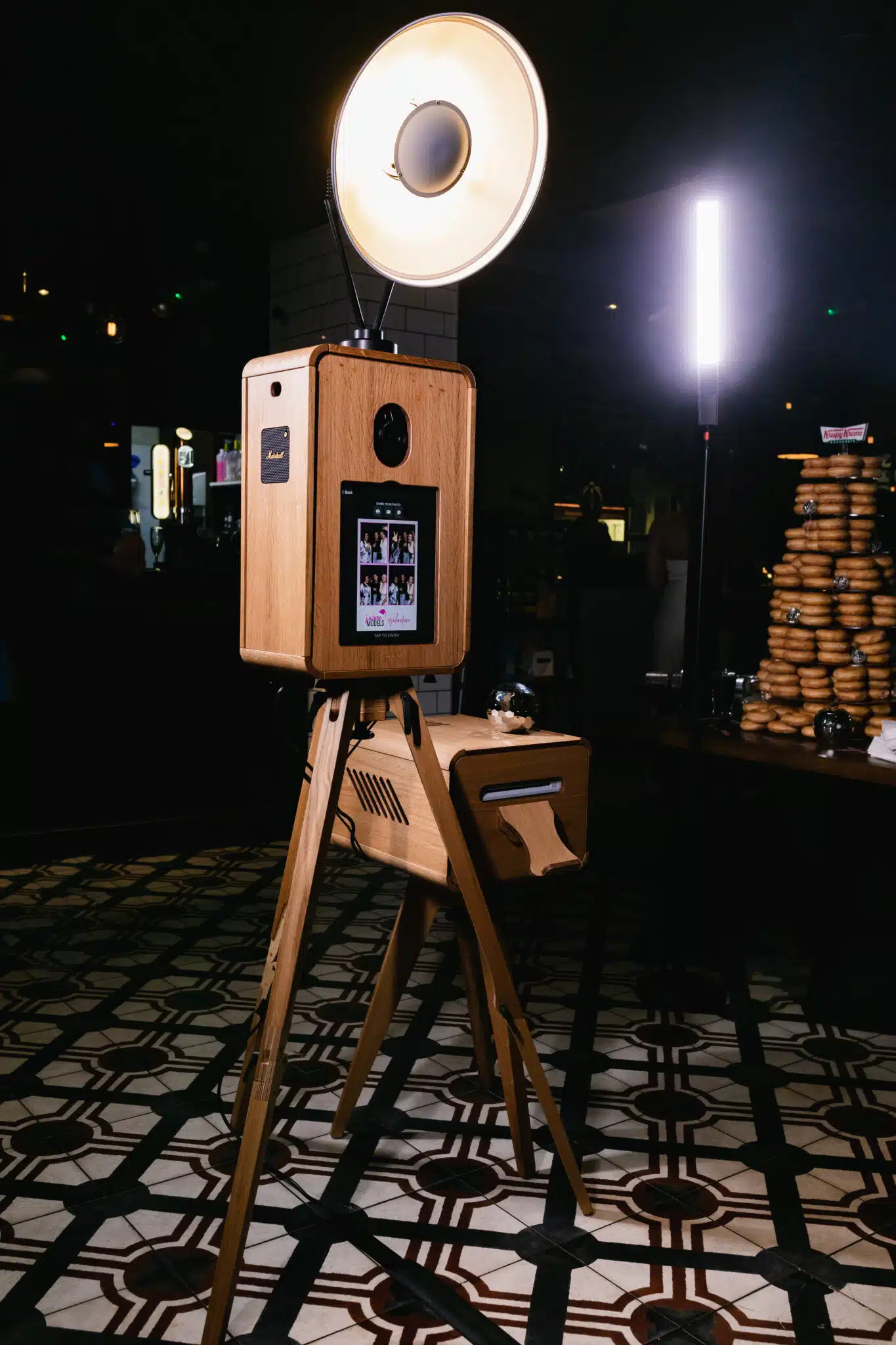
Luxury Oak brings a timber finish, the ICON Booth offers a contemporary hosted photo experience, and Signature GLAM centres on black-and-white photographic portraits. Choose the physical format and image treatment together.
The Digital Booth is print-free and normally self-service. Its screen and digital output can carry the event design, but a physical backdrop or printed keepsake should not be assumed to come with it.
Prepare the artwork pack
For a corporate brief, send the current logo files, colour references, typography guidance, clear-space rules and approved campaign wording. For a wedding, send the names, date and any monogram or stationery design you have permission to use. For a stricter corporate brief, see how event activations can follow brand guidelines while keeping the guest journey clear.
Ask for the required file types and dimensions before exporting artwork. Confirm whether a requested typeface can be used in the selected system, and agree an alternative where necessary. Give one person responsibility for consolidating feedback and approving the final design.
Design the output first
A photo template needs room for the photograph. Keep names, dates, logos and any message clear without covering faces or crowding the image. Check portrait and group framing, and review the output at its actual print size or on a phone.
If you want both print and digital versions, confirm the available formats and whether separate layouts are needed. A design made for a narrow print strip is not automatically suitable for a different digital crop.
For a campaign link or QR code, agree a short, relevant destination and test it from the final sample. Do not rely on a tiny code, long address or decorative font that guests cannot read.
Coordinate screens, backdrops and physical graphics
Separate the guest-facing touchpoints in your brief: welcome screen, photo design, backdrop, booth frontage and delivery message. Ask which can be customised for the chosen product, which are included and which require additional production.
A bespoke backdrop, floral installation or physical wrap is not automatically part of photo-template personalisation. Confirm who supplies each item, the cost, installation and artwork deadlines before treating it as agreed.
MooMuu does not supply props. If you would like to bring your own accessories, discuss them with us before the event so we can check their suitability for the chosen experience.
Keep instructions legible and the first action obvious. Brand colours still need enough contrast for guests to read the screen. Review the background with actual clothing and group sizes rather than judging an empty mockup alone.
Brand other MooMuu experiences around their output
- AI Sketch Bots draw physical portraits. Discuss the illustration theme and branded paper rather than treating the result as a conventional photo print.
- AI Graffiti Wall uses a digital canvas, digital spray cans and on-screen tools, with optional AI transformation. Agree the artwork direction and intended digital output.
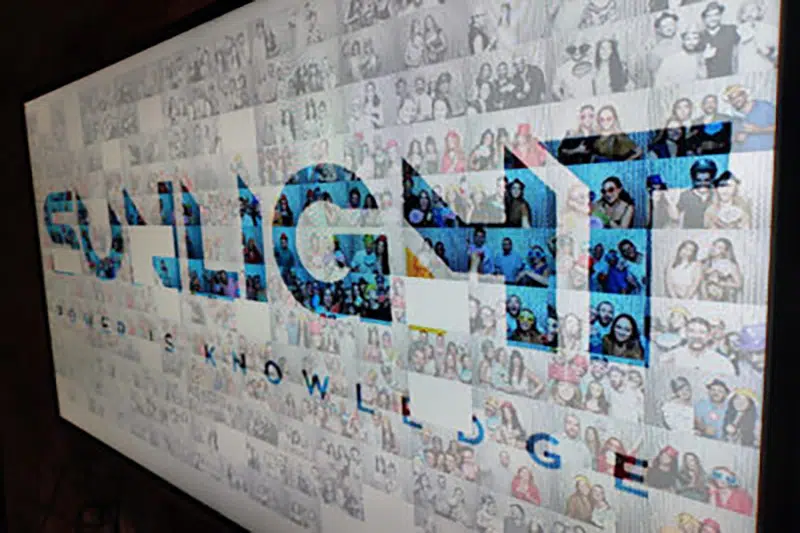
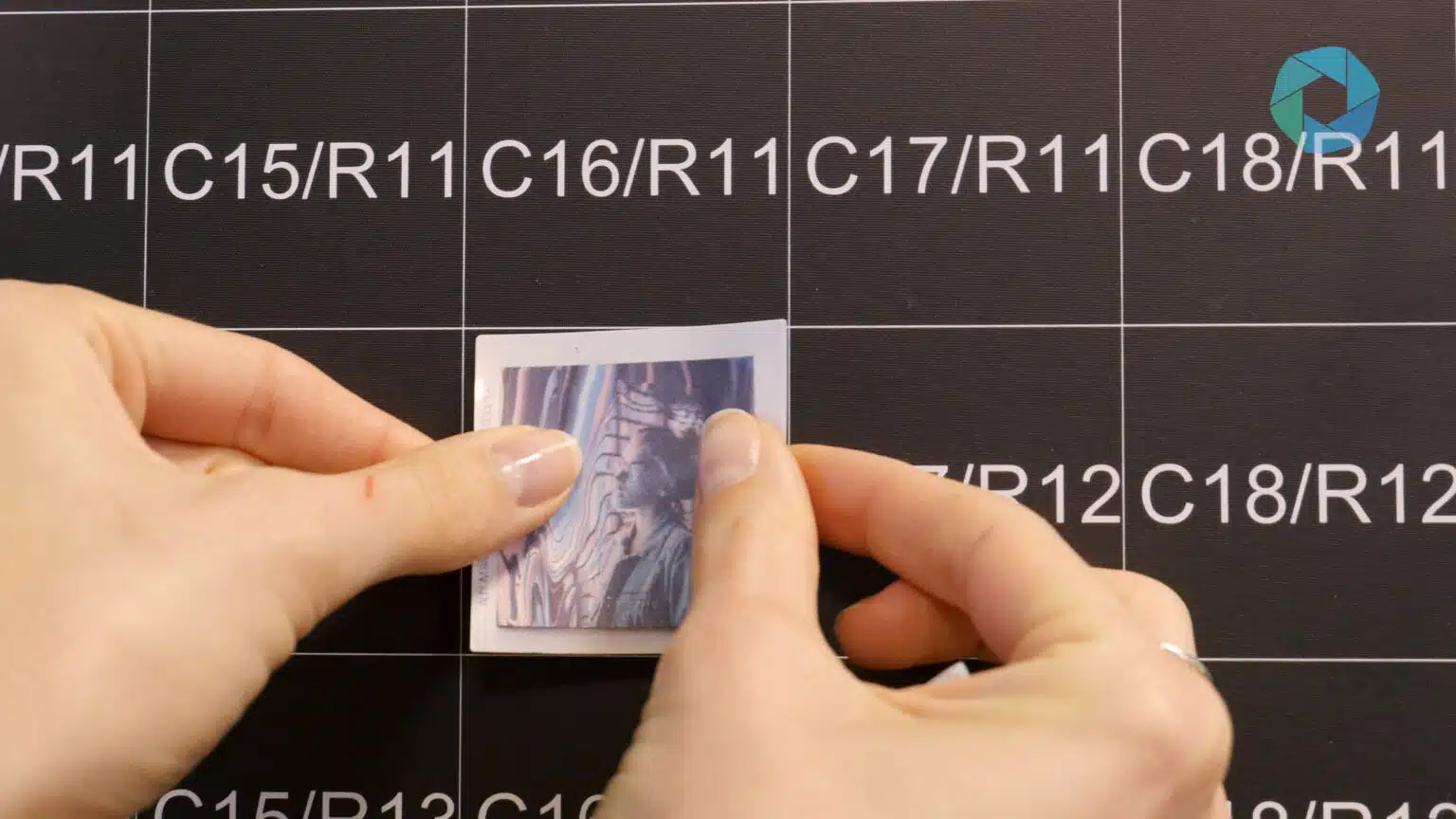
- Photo Mosaic Wall turns guest phone uploads into a shared physical artwork. Guests scan the event QR code or use the dedicated upload webpage to submit a photo, then add its printed, coded tile to the wall. MooMuu’s team guides participation and manages the mosaic build.
- Digital Mosaic has a separate QR or link upload journey and on-screen build. Coordinate the master image, wording and display rather than assuming physical tiles are included.
Approve a realistic sample
Check the names and date, campaign wording, spelling, colours, crop and logo treatment. Review any AI-themed samples for the intended audience before approval. Record what has been approved and agree the deadline for further changes.
Include the practical delivery in that review: what guests receive, how they receive it, who assists them and when any gallery access expires. A branded output should not promise a service that the chosen package does not include.
Plan how the content will be used
Decide whether the photographs are personal keepsakes, an internal event record or intended for a wider campaign. Agree the appropriate image-use and guest-information process before the event. Do not assume a guest creating or receiving a photo has agreed to every future use.
For corporate teams, our content-capture guide covers output planning; the activation checklist covers venue preparation and the event-day handover.
Make it feel like your event
Share your event type, date, venue and a few visual references. Tell us which experience you prefer, and we can confirm the personalisation options and artwork needed.
Request a tailored corporate proposal or compare corporate experiences. Planning a wedding or private celebration? Tell us about your event.