

When an Event Brief Changes: A Practical Sign-off Record
Use a practical change record and two worked examples to review a replacement logo or booth relocation, agree approvals and record the tests that follow.
A new logo arrives after the artwork has been approved. The venue asks to move the booth. The event still has the same purpose, but part of the agreed plan has changed.
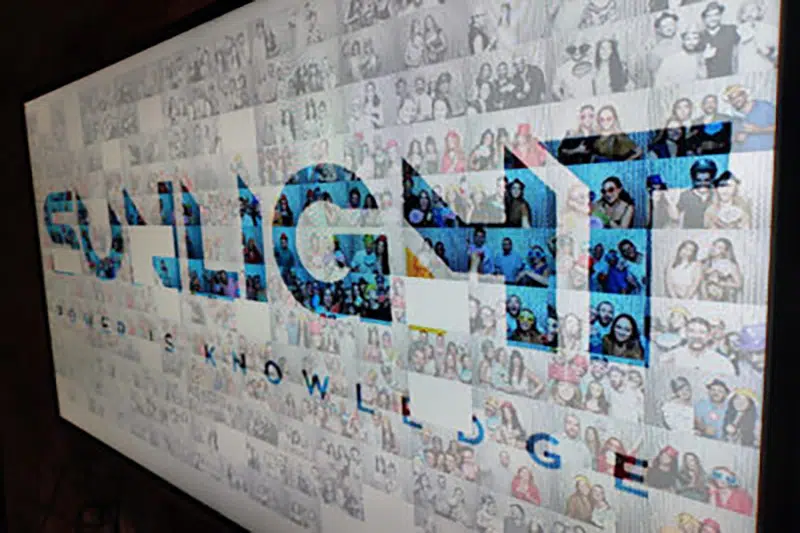
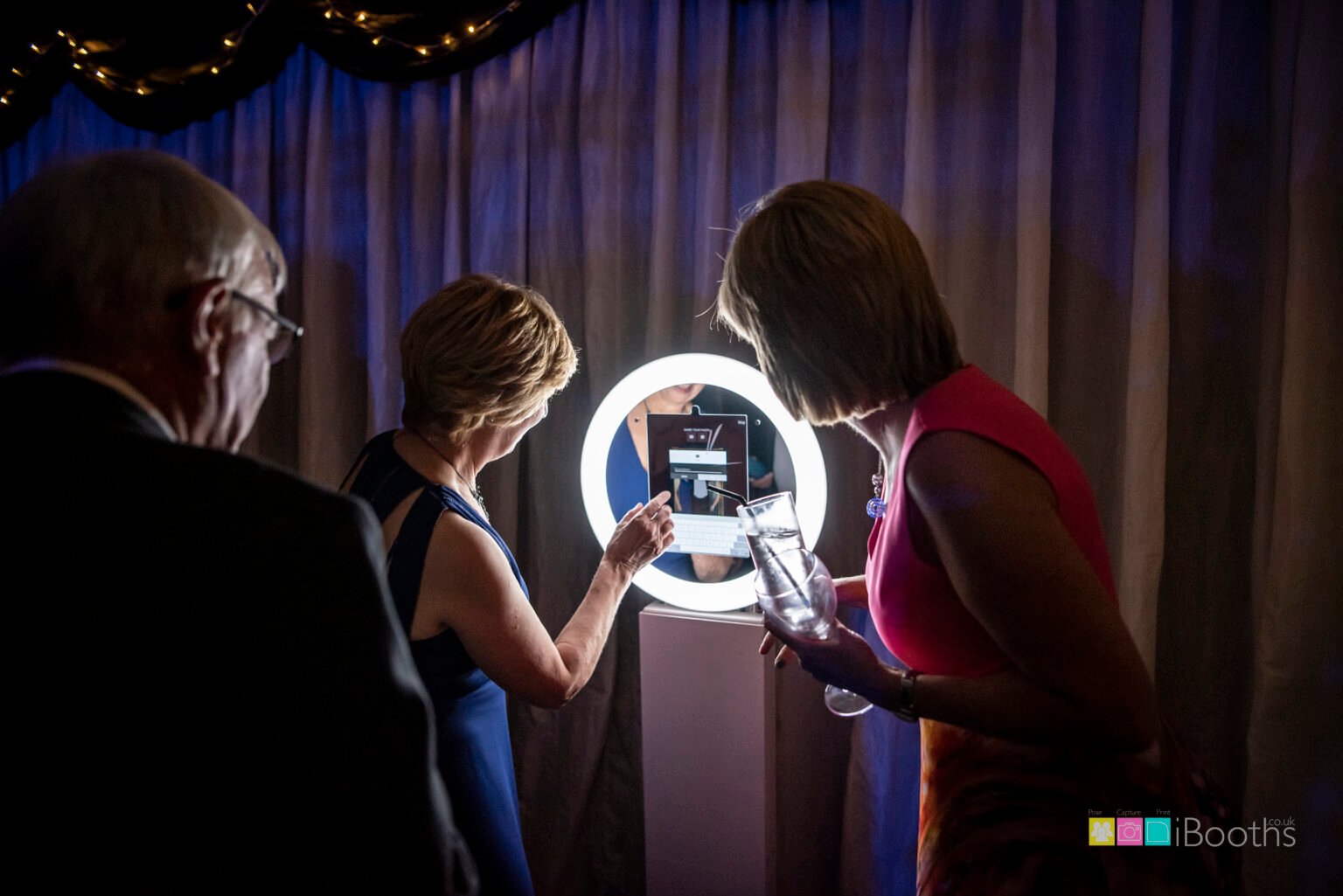
A short change record helps everyone see what needs a fresh decision, which version replaces the old one and what must be tested before guests arrive. Here is a reusable record and two worked examples for a corporate photo experience. Both examples are hypothetical; the photographs illustrate MooMuu equipment and guest interactions, not the changes described.
1. Start with the last approved version
Find the approved brief, artwork and venue plan before considering the request. Record their exact filenames or version numbers and approval dates. A change cannot be checked reliably if different people are comparing it with different starting points.
Describe the proposed amendment in one sentence, then trace what it affects: artwork, equipment position, guest instructions, access, timings or the agreed outputs. Ask MooMuu about feasibility and any effect on the quotation or preparation time before treating the request as accepted. Late changes are not automatically possible or included.
2. Keep a change record everyone can follow
Use one record per change. The event lead can bring the decisions together, while the relevant brand, venue and delivery contacts confirm the parts they own. A proposed change, an approved change and a completed change are three different stages.
| Record field | What to enter |
|---|---|
| Change reference | A short reference, request date and person requesting it. |
| Approved starting point | The current brief, artwork and plan versions, with their approval dates. |
| Requested change and reason | The old instruction, proposed replacement and why it is needed. |
| Affected items | List each file, piece of equipment, position, instruction or timing that needs review. |
| Feasibility and scope | MooMuu’s response, dependencies and any agreed effect on cost or preparation time. |
| Approvals and deadline | Name the responsible people and the agreed deadline for each decision. |
| Decision | Record approved, declined or pending, with conditions, date and decision-maker. |
| Replacement version | Name the new files or plan and identify the versions they supersede. |
| Implementation and test | Who made the change, what was checked, the result and any unresolved issue. |
| Handover | Who received the revised instruction and who acknowledged it. |
Keep a conditional approval visibly pending until its conditions have been met. For example, approval of a new position does not establish that sharing works there; the test result needs its own entry.
3. Worked example: replacing an approved logo
Imagine a brand team requests a new logo lock-up for an already approved Digital Booth. This is a self-service, print-free experience. In this example, the agreed branding covers the welcome screen and digital photo design; no printed keepsake is part of the booking.
- Reference and starting point: CR-01; brief v2, welcome-screen v2 and photo-design v2 are the approved versions.
- Request: replace the horizontal logo with the new stacked lock-up. The campaign wording and sharing destination stay the same.
- Affected items: welcome-screen and photo-design proofs. The client’s separate printed venue sign also carries the old logo, so its owner needs a separate decision about replacement.
- Feasibility and approval: MooMuu confirms the digital revision is feasible within the agreed preparation window. The brand owner reviews the complete v3 proofs, including logo clearance around sample portraits. The event lead records approval by the deadline agreed for this example, three working days before setup.
- Implementation and test: the delivery team confirms the v3 designs are loaded. A test session shows the new mark on the welcome screen and finished photo. The agreed sharing route is checked and the received file opened.
- Decision and handover: the digital change is complete once the checks pass and are recorded. The venue sign remains a separate open item until its owner confirms the outcome.
The example deadline is illustrative, not a MooMuu turnaround promise. A different logo shape may need a different layout; approving the logo file alone does not approve every place it appears. Use our artwork approval checklist for the detailed proof checks.
4. Worked example: moving the booth
Now imagine the venue asks to move the same Digital Booth from an exhibition stand to an indoor reception area. The artwork is unchanged, but the location needs a fresh review.
- Reference and starting point: CR-02; floorplan v4 shows the booth inside the stand. Brief v3 contains the approved digital designs.
- Request: move to the marked reception position because the stand layout has changed.
- Affected items: floorplan, guest approach and posing space, nearby power, cable route, connectivity, access arrangements and directional signage.
- Approvals: the venue confirms the proposed position and circulation route. MooMuu reviews installation feasibility, clearance and the revised access time. The event lead records both responses against floorplan v5 before the move is arranged.
- Initial decision: approved subject to setup and successful testing in the new position. The delivery team handles the agreed equipment move; guests and venue staff should not move the installed booth themselves.
- Test and outcome: in this hypothetical case, capture works but the agreed sharing test fails at the new position. CR-02 stays pending. The event lead, venue and MooMuu agree a workable arrangement and repeat the test before recording completion.
The Digital Booth needs reliable internet for live sharing. A test at the old position does not confirm the new one. Nor should the old location be assumed available as a fallback: agree the next step with the venue and MooMuu. Our connectivity test record can sit alongside the change record.

5. Close the change with a clear handover
Issue one current brief that names the replacement artwork and plan. Keep superseded versions in an archive marked clearly as old, separate from the files intended for production. Ask the people delivering the affected parts to acknowledge the update.
Close the record only when the required approvals, implementation and tests are complete. If something is declined or unresolved, state the agreed next action and who owns it. That gives the on-site contact a dependable answer when someone asks which version to use.
If your approved plans have changed, send MooMuu the proposed amendment with your event date, venue, booking reference and current brief. We can review what the change would mean for your chosen experience before a revised instruction is issued.