
Corporate Photo Booth Hire That Feels Premium
Compare corporate photo booth quotes with a practical checklist for outputs, staffing, hire hours, branding, venue access and booking terms.
A corporate photo booth quote is easier to judge when you can see exactly what will happen before, during and after the event. A polished installation matters, but so do the operating hours, support, artwork approvals and final files.
This is a practical checklist for comparing proposals and briefing your venue. If you are still deciding on the format, start with our guide to choosing a corporate event photo experience. Your accepted proposal and booking terms define the actual inclusions; this article does not replace them.
1. Name the experience and the finished output
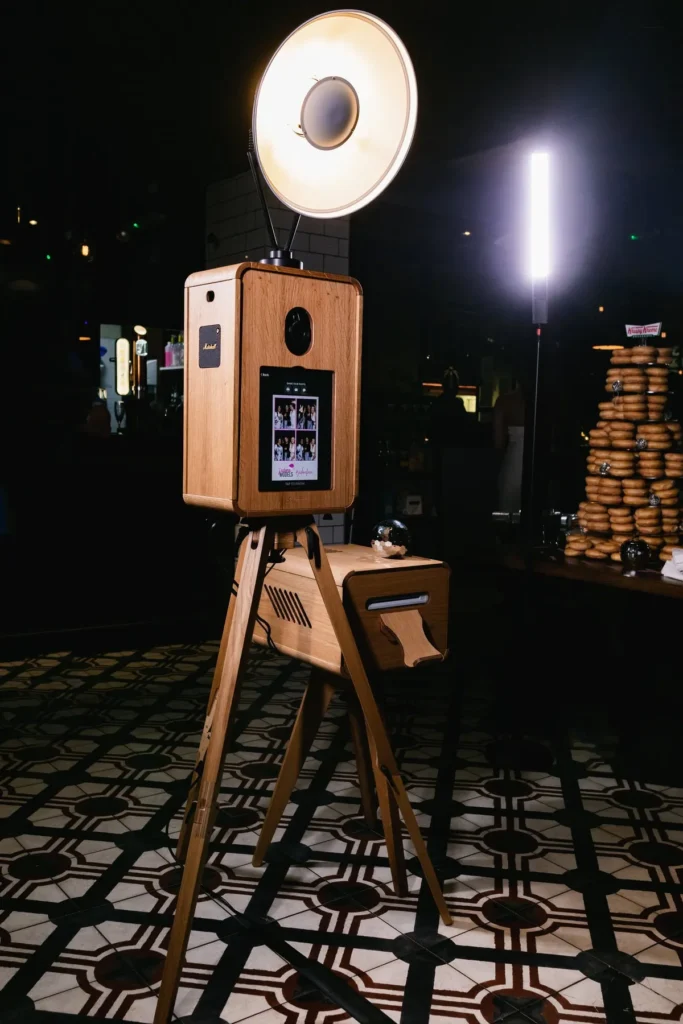
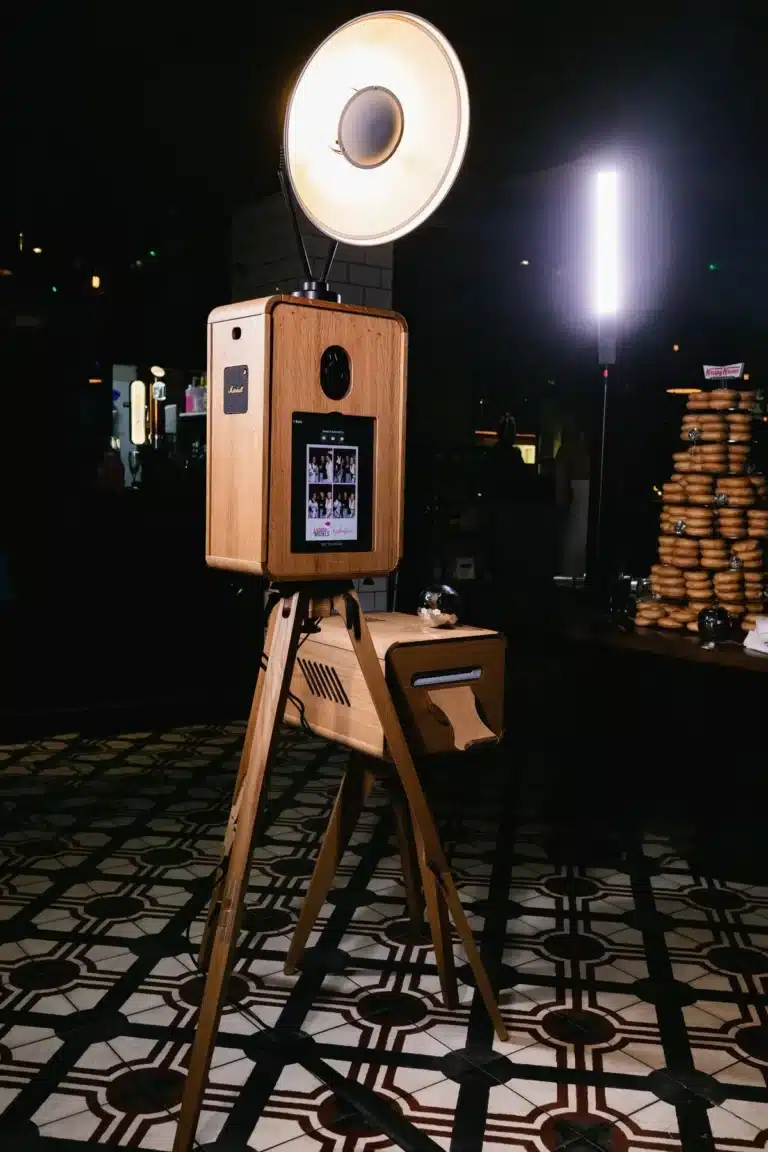
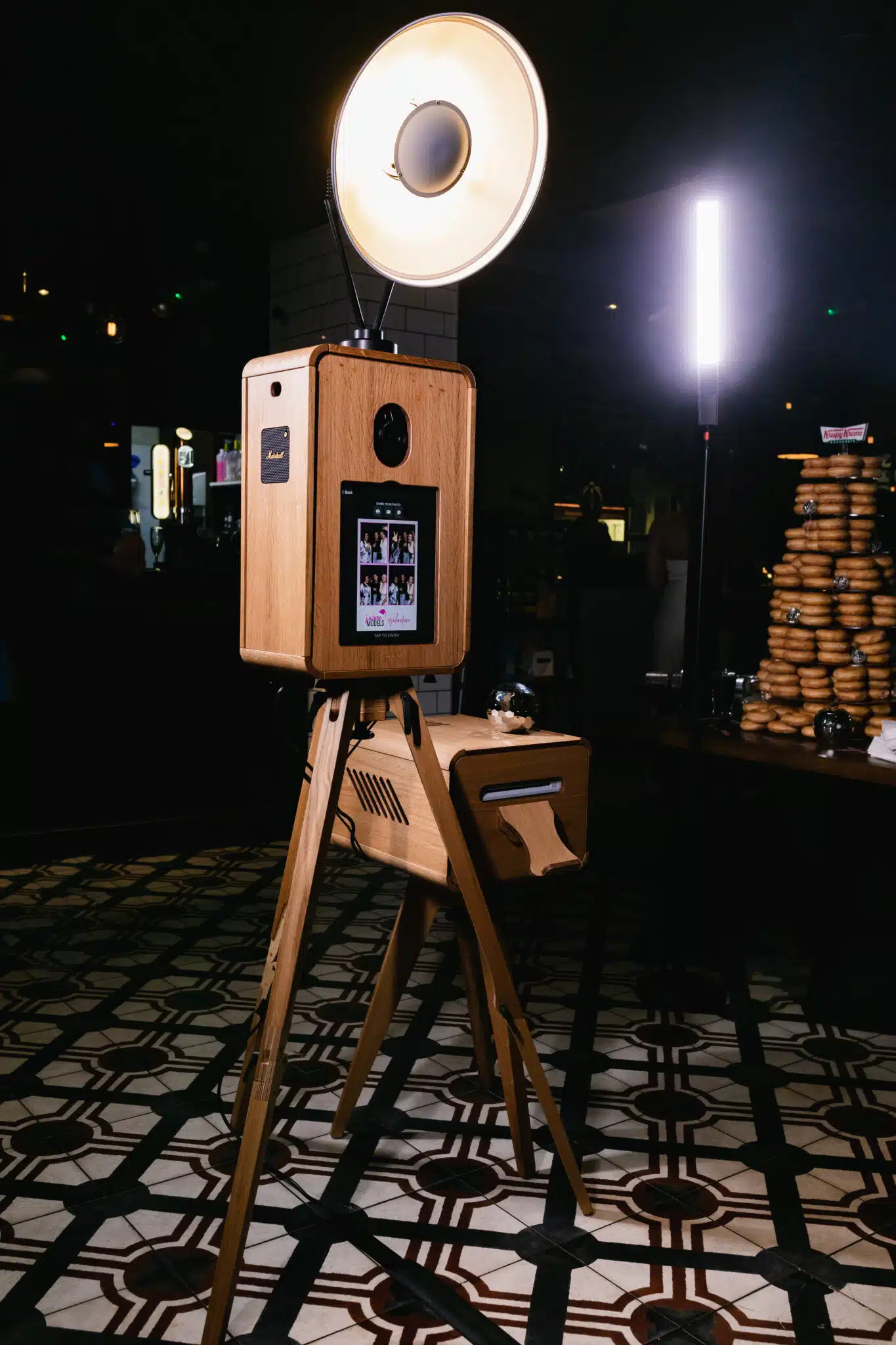
Ask for the product name, not just a description such as premium booth or digital station. The ICON Booth, Luxury Oak Booth and Signature GLAM offer different visual treatments. The Digital Booth is print-free.
Record what guests receive and what your team receives afterwards. Check print formats, digital delivery, gallery access and download deadlines where relevant. If you need files for a particular campaign use, discuss that before booking rather than assuming every output is supplied in every format.
2. Separate operating time from venue access
A three-hour guest experience is not the same as three hours on site. The venue must allow for delivery, installation, testing and collection. Share the load-in window, event schedule, speeches, meal service and any restrictions on moving equipment while guests are present.
Ask how an early setup, a long idle period or a later finish affects the quote. Confirm who can authorise an extension on the day and whether it is available. Do not leave that decision to an attendant who has not been given the organiser’s instructions.
3. Check who supports guests
Hosted and self-service hires have different support arrangements. Confirm the on-site role for your chosen experience, the person responsible for technical questions and the contact your organiser should use if something changes.
The Digital Booth is normally self-service: MooMuu installs and tests it, with remote support during the agreed operating period. That is different from having an attendant beside the booth. Choose the arrangement that suits your audience, particularly if guests may need help with the screen or sharing process.
4. Agree the artwork and approval process
List the surfaces you want personalised: a welcome screen, print layout, digital overlay or selected rear-screen content. Supply usable logos, colours, wording and a named approver. Ask for the artwork deadline and agree who signs off the final version.
A personalised print template does not automatically include a bespoke physical set, a booth wrap or campaign photography. Keep those requirements separate in the brief. With AI-generated artwork, agree and test the creative direction too; a themed interpretation is not a guaranteed exact likeness or factual photograph.
5. Confirm the full working footprint
Check space for the equipment, backdrop, guests, queue and collection point, not only the booth base. Share photos or a floor plan, doorway and lift details, setup level and nearby power. Flag outdoor plans early so suitability can be assessed.
Ask about internet access for any cloud processing, live uploads or instant sharing. Venue Wi-Fi can require a login or have limited coverage at the actual installation point. Agree the connection and a workable contingency before the event, rather than treating a network name as a completed test.

6. Compare experiential quotes on their own terms
AI Sketch Bots need an agreed drawing style, bot configuration and realistic portrait capacity. A physical Mosaic Wall needs a master image, tile plan and reveal timing; it already includes ICON photo capture.
The separate Digital Mosaic needs an agreed display, upload journey and on-site or remote support arrangement. Do not assume the same hardware, staffing or physical keepsake is included in both mosaic formats. Confirm any proposed combination of products before announcing it to guests.
7. Make the commercial and follow-up details explicit
Compare the total quoted cost, including any stated travel, access, parking, extra operating time, optional production items and applicable taxes. Check the payment schedule, booking confirmation requirements and change or cancellation terms in the proposal. A general article should not introduce a different deposit or cancellation policy.
MooMuu can provide data capture. Specify the fields, purpose, guest-facing consent wording, delivery and responsibilities in advance, and ask which reporting is available for your chosen setup. Receiving an image is not automatically a marketing opt-in. Agree any wider publication or campaign use of guest imagery separately rather than assuming a gallery provides unrestricted reuse.
A brief you can send to your event team
Collect the date, venue address, estimated attendance, guest-facing hours, setup and collection windows, preferred product, required outputs, budget and brand approver in one message. Add anything unresolved. That gives your supplier and venue a shared starting point and makes differences between quotes easier to spot.
Get a clearly scoped corporate proposal
Share your event details and the experience you are considering. We will confirm the practical scope and available options for your date.
Request a tailored corporate proposal or compare corporate experiences. For a wedding or private celebration, tell us about your event.